Mobile Session Recording for Matomo
Session recordings from your Android and iOS apps, replayed in the same Heatmap & Session Recording reports where you already see your website.
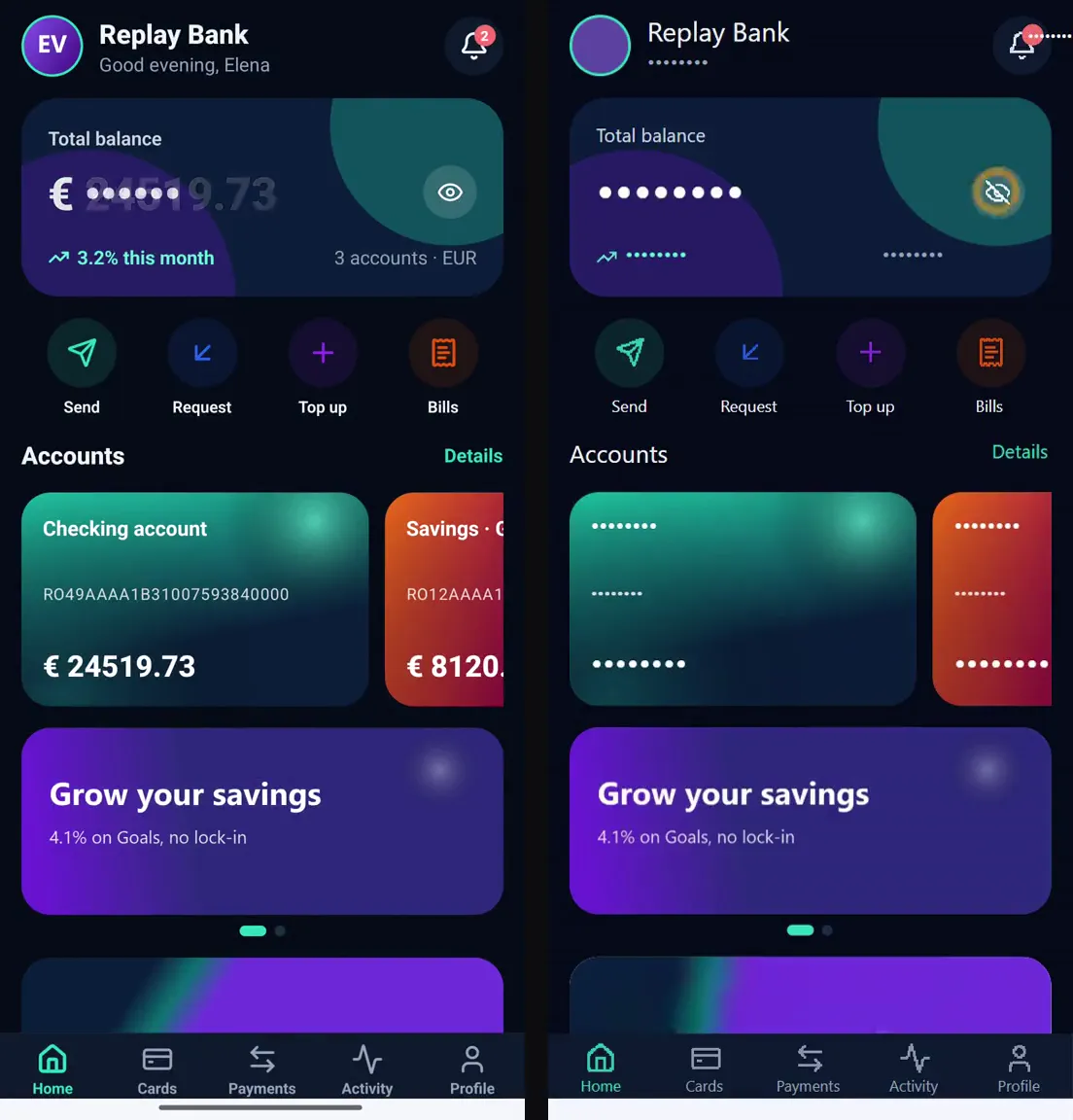
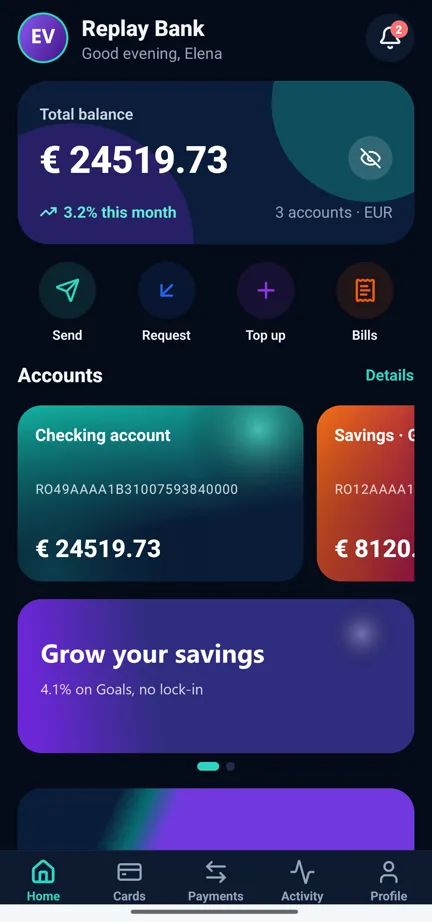
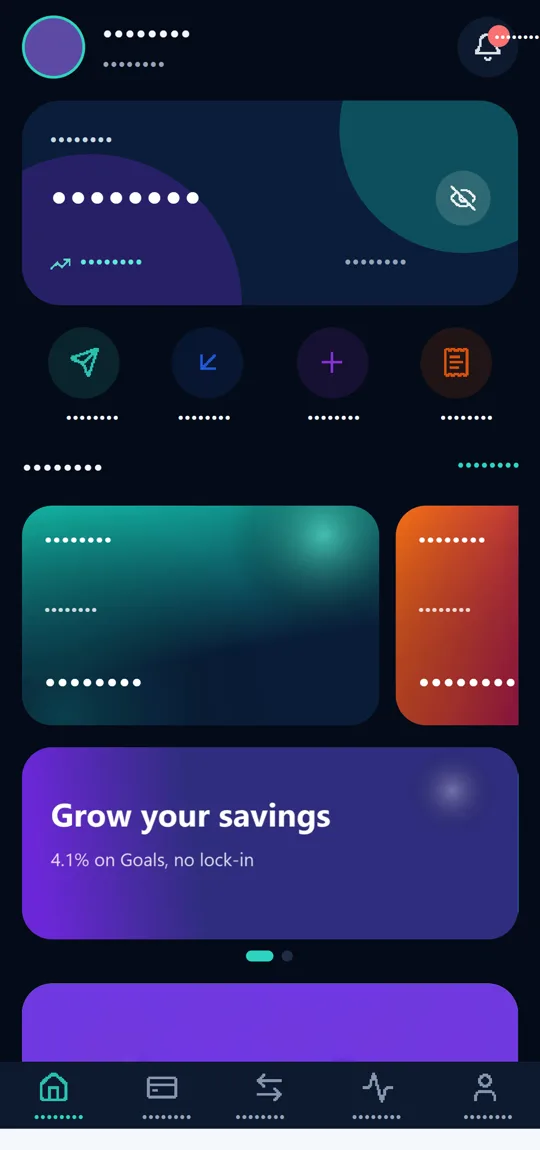
Left: the demo app on an Android phone. Right: its recording, replayed from Matomo. Replay Bank is a fictional bank built for the demo; all data is invented.
Description
A Matomo extension that records sessions in your Android and iOS apps and replays them in the same Heatmap & Session Recording reports you already use for your website. You see which screens people open, where they tap, where they scroll and where they get stuck.
Recordings are tied to Matomo visits, so you can filter them by the same segments, goals and screens as the rest of your data.
No. The app sends each screen's structure: its elements, positions, colours, icon shapes and the text you allow. The Matomo player rebuilds the screen from that data.
That keeps recordings small, easy to mask and free of pixels from your users' screens. Images and videos appear only where the app marks them as safe, and only if you enable them in the settings.
- Android and iOSReact Native apps, in your Heatmap & Session Recording reports.
- No screen videoScreens are rebuilt from their structure, not filmed.
- Masked by defaultInputs, passwords, sensitive screens and personal data hidden automatically.
- Your data stays with youRecordings go only to your own Matomo server.
What you see in Matomo
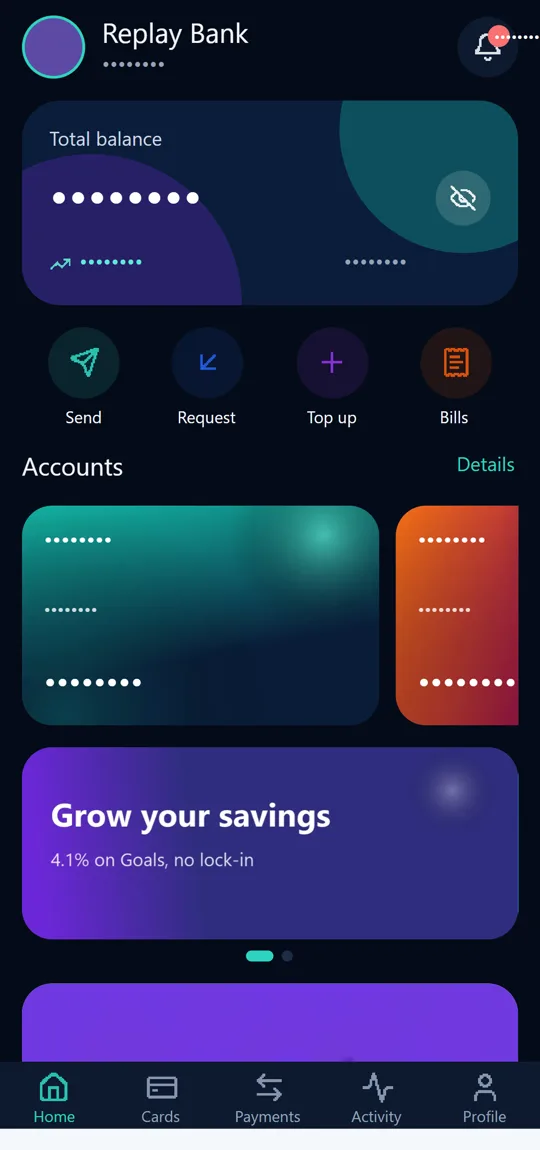
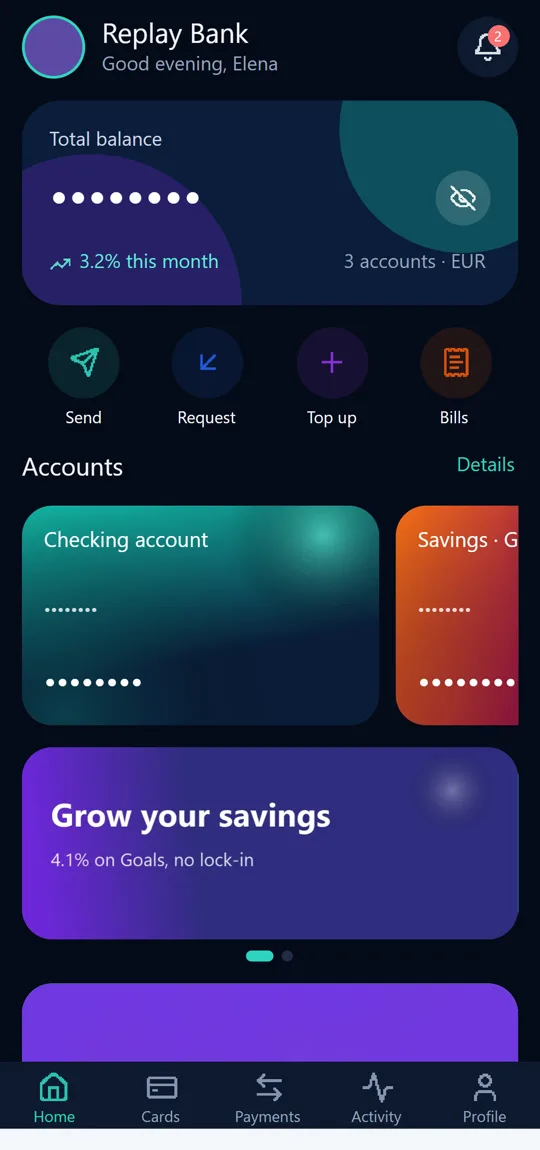
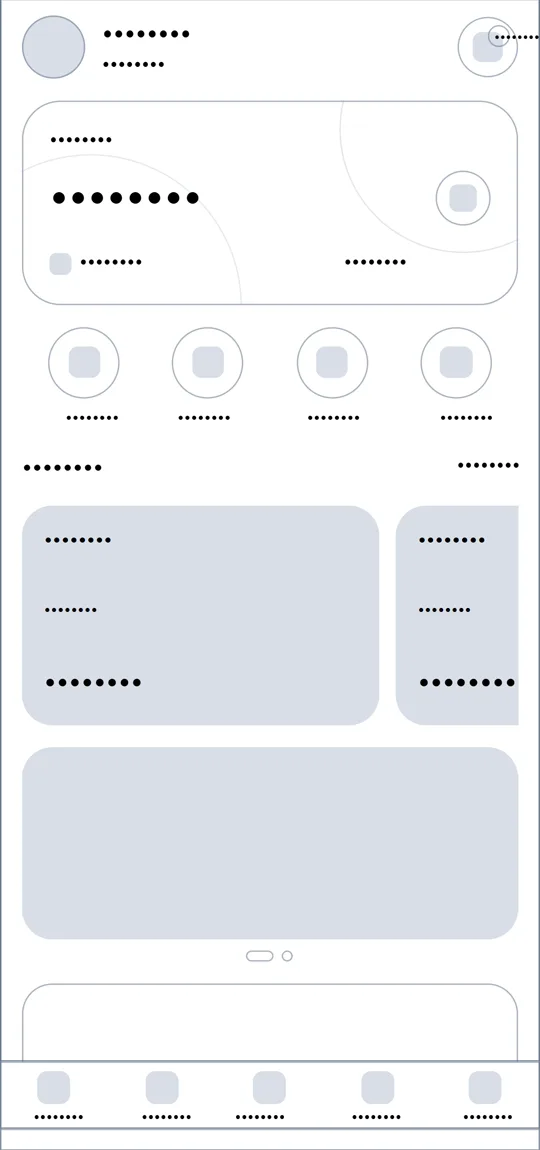
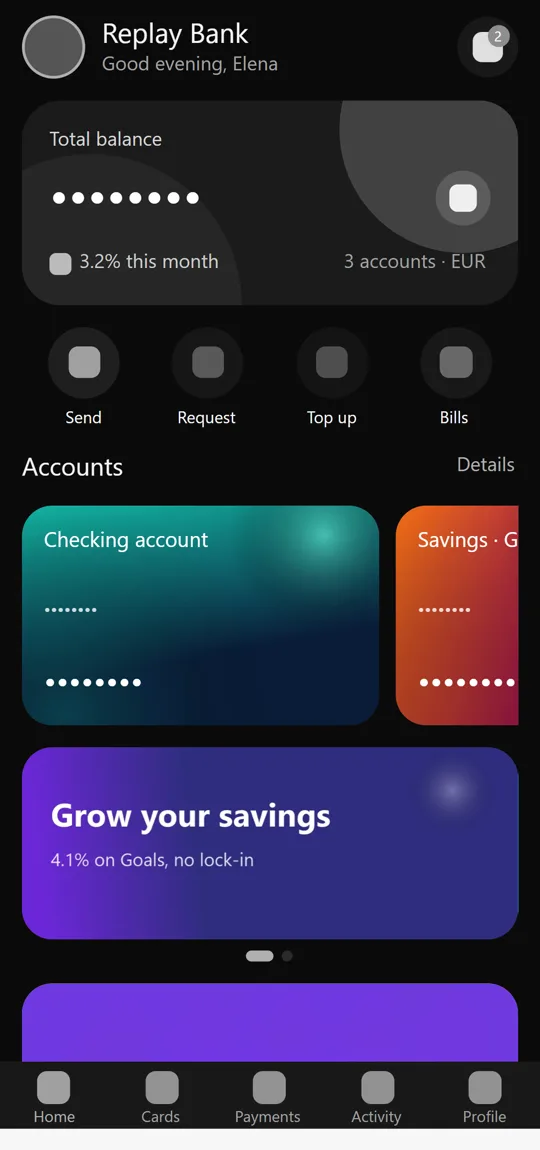
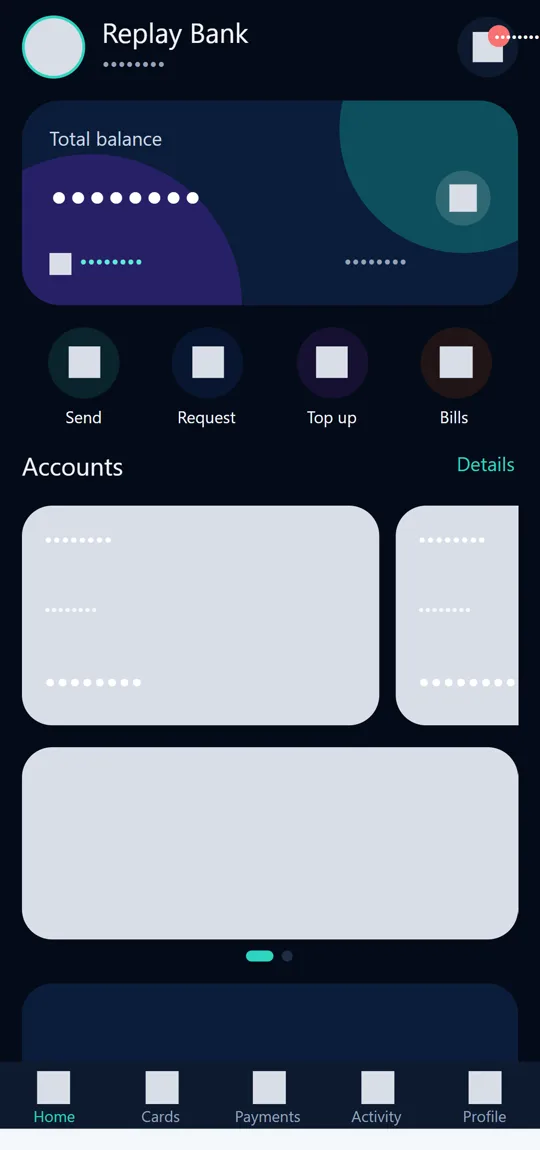
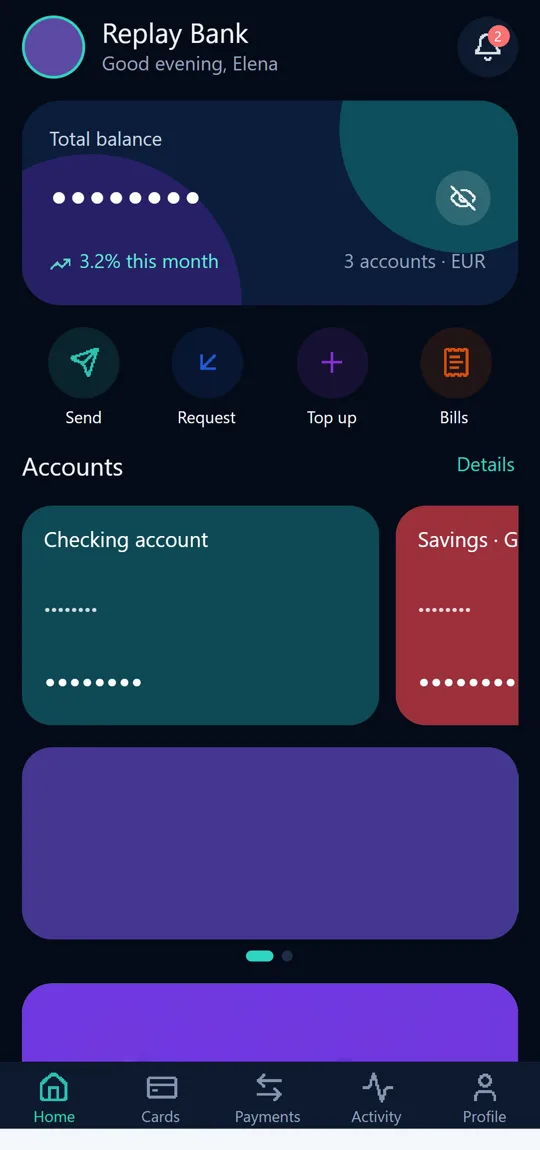
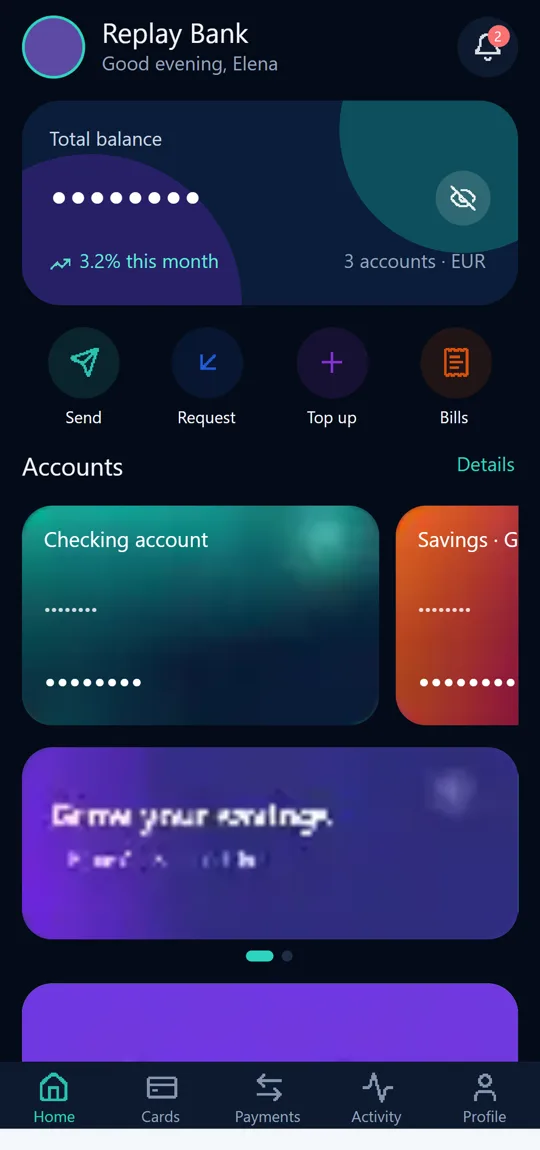
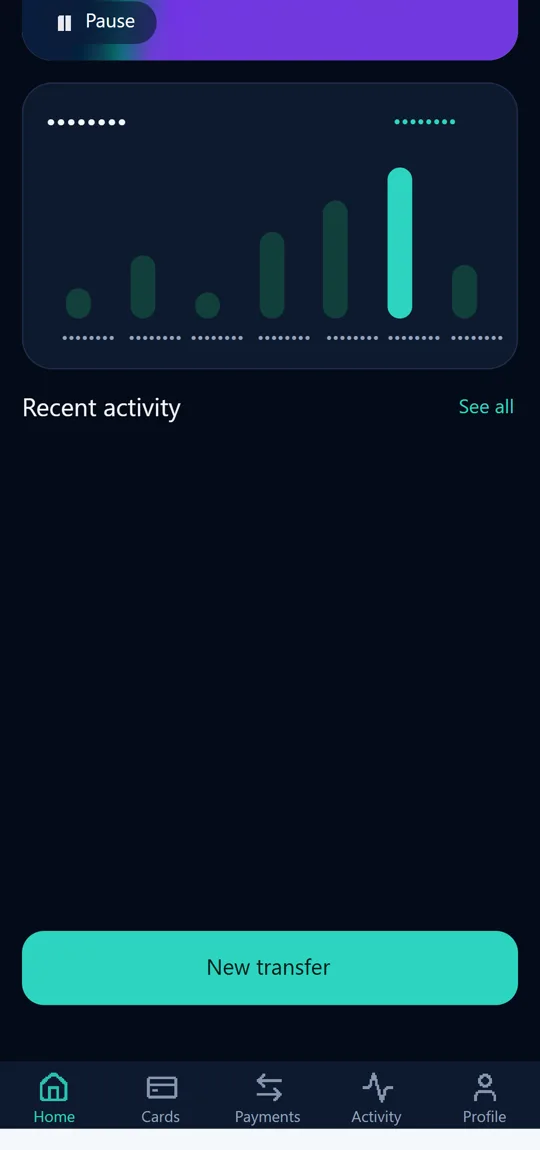
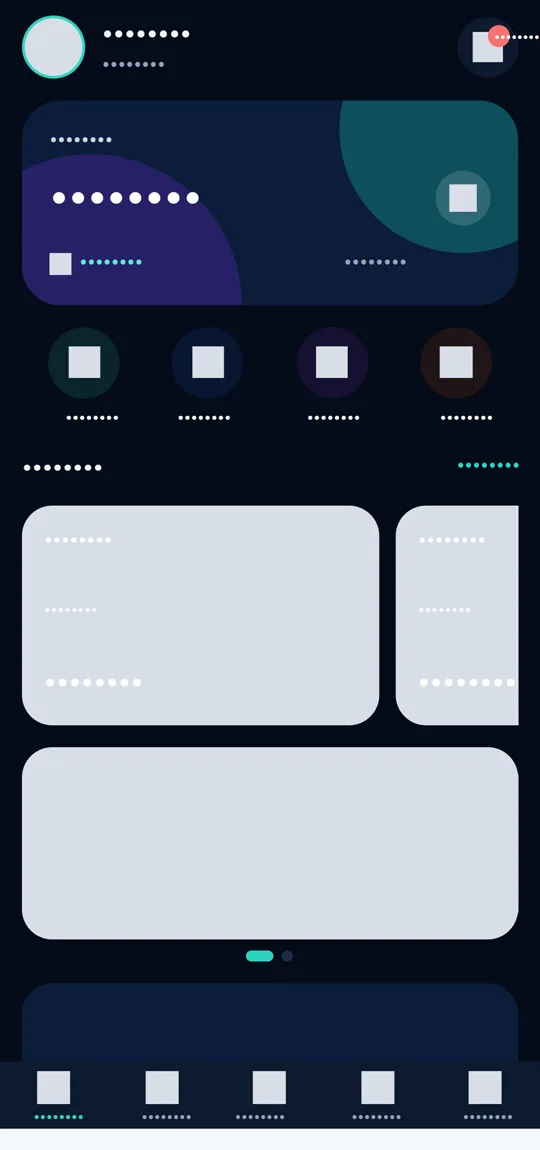
The same screen of the demo app, recorded with each setting and replayed from Matomo. Select an image to watch the recording.
Frequently asked questions
About the extension
What is Mobile Session Recording?
A Matomo extension that records sessions in your Android and iOS apps and replays them in the same Heatmap & Session Recording reports you already use for your website. You see which screens people open, where they tap, where they scroll and where they get stuck.
Recordings are tied to Matomo visits, so you can filter them by the same segments, goals and screens as the rest of your data.
Does it film the phone's screen?
No. The app sends each screen's structure: its elements, positions, colours, icon shapes and the text you allow. The Matomo player rebuilds the screen from that data.
That keeps recordings small, easy to mask and free of pixels from your users' screens. Images and videos appear only where the app marks them as safe, and only if you enable them in the settings.
Which apps are supported?
Apps built with React Native. On Android, from Android 7 (API 24) up, with full recording including approved images and video frames.
iOS support is implemented and being certified. Until image capture is finished on iOS, images appear there as colour blocks.
Is your app written directly in Kotlin or Swift? Write to us and we will discuss the options.
What do I need on the Matomo side?
You need two things:
- Matomo On-Premise 5, on your own server, with PHP 8.2 or newer and HTTPS.
- The Heatmap & Session Recording 5.7.6 plugin, licensed separately from Matomo. It stores and plays the recordings.
Each release is tested against the exact Matomo and Heatmap & Session Recording versions it supports. Matomo Cloud does not allow custom plugins; if you use Cloud, talk to us about the options.
How is it licensed and what does it cost?
A licence covers one Matomo installation and a number of apps, for an agreed period. Tell us how many apps you want to record and we will send you a quote. The Heatmap & Session Recording licence is bought separately, directly from Matomo.
Privacy and GDPR
What is never recorded?
Whatever the settings, the extension never records:
- what people type into fields, or passwords;
- web pages opened inside the app, or windows marked as secure;
- sensitive screens: login, password, OTP code, PIN, two-factor verification, card details;
- the camera, and any video the app has not marked as safe.
How is text masked?
For each app you choose one of three modes: mask all text, show only labels the app approved (the default), or show all text except fields and masked areas. The last mode works only if the app's developers explicitly allow it.
Wherever text is shown, personal data is masked automatically: email addresses, IBANs, phone, card and account numbers, and national ID numbers. Dates, times and short amounts stay visible. In the All text mode, money amounts are masked too, except in labels the app approved.
Can I mask a single element, a card or a whole screen?
Yes, in two ways. Developers can mark areas directly in code, to mask them or remove them from the recording entirely. Markers in code cannot be undone by any setting.
Without a new app release, the website's settings in Matomo let you mask or remove elements by ID, mask everything on some screens, exclude screens or record only certain screens. Changes apply from the next screen opened.
What about personal photos?
By default no image is recorded: each one appears as a grey block or a block in its average colour. An image's pixels are recorded only if the developers explicitly marked it as safe, for example banners, logos or product photos.
Profile pictures, scanned documents and any image uploaded by users should never be marked. We help you decide what is safe to mark.
How does consent work?
The app starts recording only after the user has given consent. If they withdraw it, recording stops immediately and everything not yet sent is deleted from the phone, together with its encryption keys.
Where does the data go and how long is it kept?
Only on your own Matomo server. There is no intermediate service and no third party receives the recordings. On the phone, data waits to be sent in an encrypted queue.
Recordings follow Matomo's raw data retention and deletion rules. When you delete a website, its recordings are deleted too.
Settings, images and video
What can I tune in Matomo?
Each app has its own settings, under Administration → Websites → Edit:
- level of detail: full styling or wireframe (layout only, in greys);
- colours, icon shapes and touches, each on or off;
- text, images and video, each with its own level;
- screens and elements to record, mask or exclude.
Settings reach the app without a new release. They can only narrow what the app already allows, never bypass the markers in code.
What levels are there for images?
Four levels, chosen separately for each app:
- Grey boxes: only the image's place and size.
- Average colour: each image appears in its dominant colour (the default).
- Thumbnails: a very small version of approved images, a few KB each.
- Full quality: approved images, sharp, as in the app.
How do full-quality images work?
Each approved image is sent only once, compressed (at most 1024 px and 60 KB), and kept in your Matomo. A banner shown in thousands of sessions is stored once.
Matomo checks each image before keeping it and shows it only to users with access to the website's reports. Images no recording uses any more are deleted with the old data. Until the full image arrives, the player shows the thumbnail.
Are videos inside the app recorded?
Only those the app marks as safe, for example a promotional clip. You can choose to see just the cover frame or low-resolution frames while it plays. The camera and any other video are never recorded.
How do touches appear in the player?
As a fingertip with a short trail of its movement, so you see taps, swipes and scrolls exactly where they happened. Touches can be turned off in the settings, and in excluded areas they are never recorded.
Installation and performance
How is it installed?
In three steps:
- Install and activate the extension in Matomo, next to Heatmap & Session Recording.
- Developers add the package to the app and start it after the user's consent.
- You create a session recording in Matomo for the app's screens and choose the privacy settings.
We can do the whole process for you, from configuring Matomo to integrating the app and checking it on real phones.
Does it slow the app down or use a lot of data?
The extension sends screen structure, not video, so a session takes little space. Data leaves in small chunks, and images are compressed in the background and sent only once.
Every release is checked on real phones, battery impact included, before it ships.
What happens when the phone is offline?
Recordings wait on the phone in an encrypted queue and are sent when the connection returns. If the app closes unexpectedly, the session is recovered on the next launch, without duplicates in Matomo.
How do I get updates?
Releases follow semantic versioning: minor updates bring security, privacy and compatibility fixes without changing the app integration. Apps on older package versions keep working after you update the extension in Matomo.
Licensing
How does the licence work?
A licence covers one Matomo installation and a number of recording apps, for the period you buy. You activate it in Matomo with the key you receive, under Administration → Plugins → Mobile Session Recording licence, and Matomo checks it daily with the licence server.
The licence is digitally signed: Matomo verifies it itself, so a short licence-server outage does not stop recording.
Can I try it before buying?
Yes. After installation, apps record for 14 days without a licence, so you can see the result on your own app.
What happens when the licence expires?
You get warnings in Matomo. After a further 14-day grace period, apps stop sending new recordings. Existing recordings stay viewable and nothing is deleted.
After renewal, recording resumes at the next check, or straight away with “Check now” on the licence page.
How many apps can record?
As many as the licence allows. If more apps have active recordings, those with the lowest ids record; the licence page in Matomo shows which apps are covered.
My Matomo server has no internet access. Is that possible?
Yes. You download an activation request from Matomo and send it to us; we send back a licence file that you import on the same page. The file is valid for the whole licence period.
Can I move the licence to another server?
Yes. Remove the licence from the old Matomo and activate it on the new one. If the old server no longer exists, we free the installation for you.
What does Matomo send to the licence server?
Only the licence key, a random installation id, the Matomo address, the Matomo and extension versions and the number of apps. No visitor data and no recordings.
No question matches. Write to us directly. Contact